Upload an image or enter a prompt, then generate to create your result.
Remove image backgrounds instantly with AI. Perfect cutouts with transparent/white backgrounds. Pixel-perfect edges in seconds. Try free now!
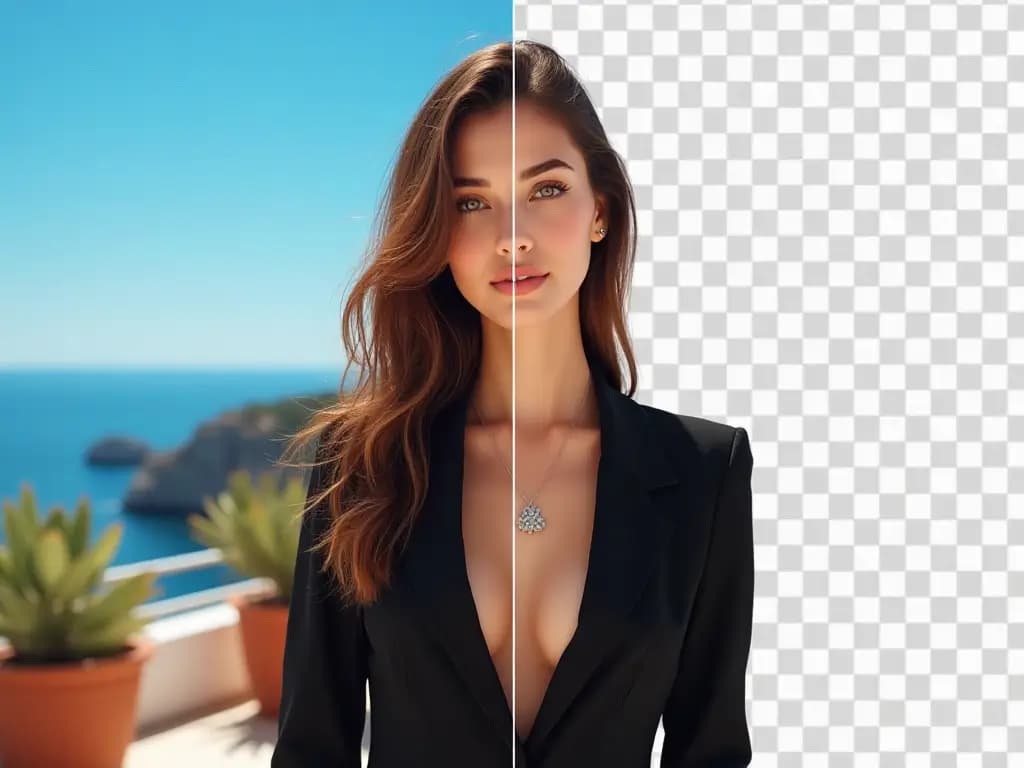
Background removal is one of the fastest ways to make images more reusable. GenImage helps you isolate the subject cleanly so the same asset can work across more channels.
Remove cluttered or distracting backgrounds so the product, person, or object becomes the clear focus of the image.
Create cutouts that are easier to place into product pages, graphics, slides, ads, and other layouts that require a cleaner visual presentation.
GenImage reduces the repetitive effort of drawing selections by hand, which is especially useful when you have many images to prepare.
Use GenImage background removal to improve consistency, speed up asset prep, and create cleaner visuals for real publishing workflows.
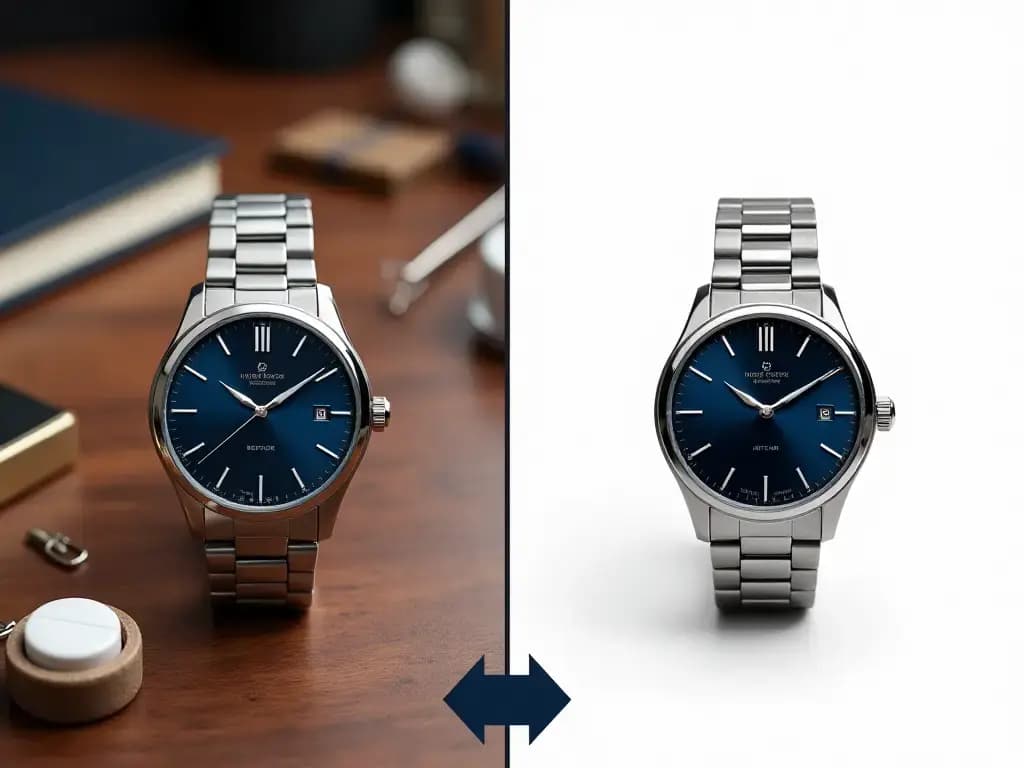
Answers about removing photo backgrounds with GenImage.org
Create a cleaner cutout in three simple steps with GenImage.
Start with a product photo, portrait, or graphic that needs a cleaner background. Clear subject separation usually improves the result.
The AI isolates the main subject and removes the surrounding background automatically so you can skip manual masking.
Use the result in storefronts, graphics, ads, presentations, or design files where a cleaner and more flexible asset is useful.
A focused workflow for cleaner cutouts, faster asset prep, and more reusable images.
GenImage identifies the main subject so you can remove distracting or unusable backgrounds without spending time on manual tracing.
Create cutouts that hold up better around hair, apparel, product edges, and other detailed shapes common in commercial image work.
Prepare visuals that are easier to place into marketplaces, design layouts, ad creative, presentations, and branded content.
Move through content libraries, product collections, and creative asset prep more quickly when background cleanup is no longer a manual bottleneck.
GenImage background removal fits stores, agencies, creators, and internal marketing teams that need polished images with less effort.
Export clean cutouts that can support websites, promotional graphics, product pages, and broader commercial design workflows.
GenImage.org helps teams remove distracting backgrounds and reuse images across more channels.
GenImage helps us clean up product photos quickly so they are ready for listings, ads, and feature sections without a long manual editing step.

Jessica Martinez
E-commerce Designer
Background removal is one of the fastest improvements we can make to catalog images. It makes our product pages look more consistent and easier to scale.

Michael Chen
Marketplace Seller
We use transparent cutouts across social graphics and promotional layouts, so having a quick AI workflow inside GenImage saves a lot of production time.

Sophia Anderson
Brand Content Manager
I need quick subject cutouts for cover art and promo graphics. GenImage makes that part much faster and easier to repeat.

Alex Thompson
Video and Thumbnail Creator
For launches, we often need cleaner images fast. GenImage helps us prepare product assets without sending every file through a manual retouch workflow.

Emma Williams
Product Marketing Lead
This is a practical production tool for any team handling lots of assets. The main value is speed, consistency, and fewer repetitive cleanup tasks.

Robert Johnson
Creative Operations Manager
Use GenImage.org to create cleaner cutouts for product photos, graphics, and marketing assets. Start free and prepare reusable visuals faster.