Image to Edit
Image to edit with AI
Edit instructions
Upload an image or enter a prompt, then generate to create your result.
Edit photos with AI using text commands. Remove objects, change backgrounds, enhance images instantly. Professional editing in seconds. Try free!
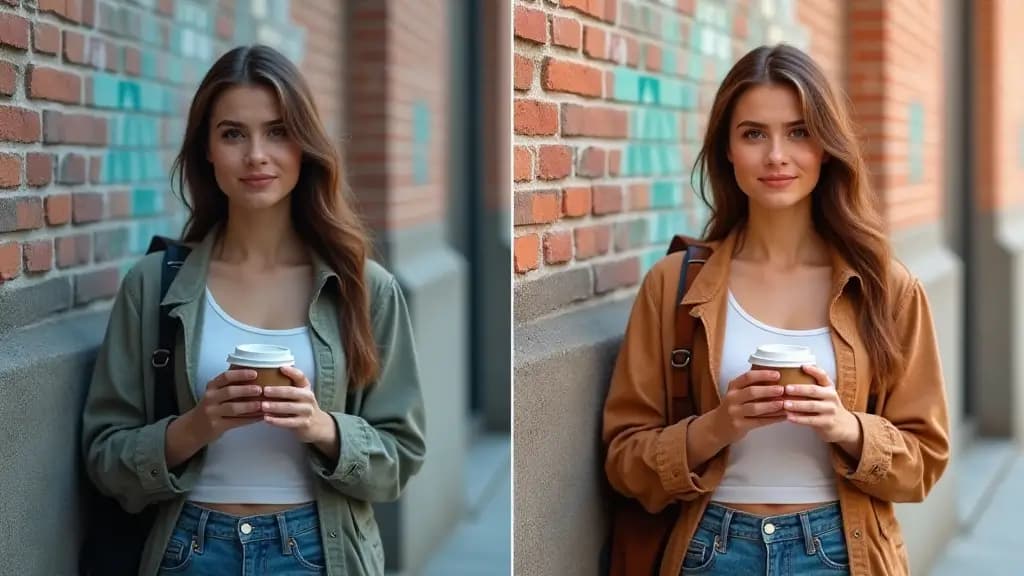
GenImage makes common photo edits easier to request, faster to produce, and simpler to repeat across different creative use cases.
Describe the change you need in plain English and let GenImage handle object cleanup, background adjustment, scene replacement, or visual refinement.
Remove distractions, fix presentation issues, and create more polished visuals without spending time on manual brushwork, masking, or layer management.
Turn a single source photo into cleaner versions for product pages, social posts, ads, blog content, and presentations without rebuilding the asset from scratch.
Built for fast revisions, practical cleanup work, and prompt-based editing that fits real production needs.
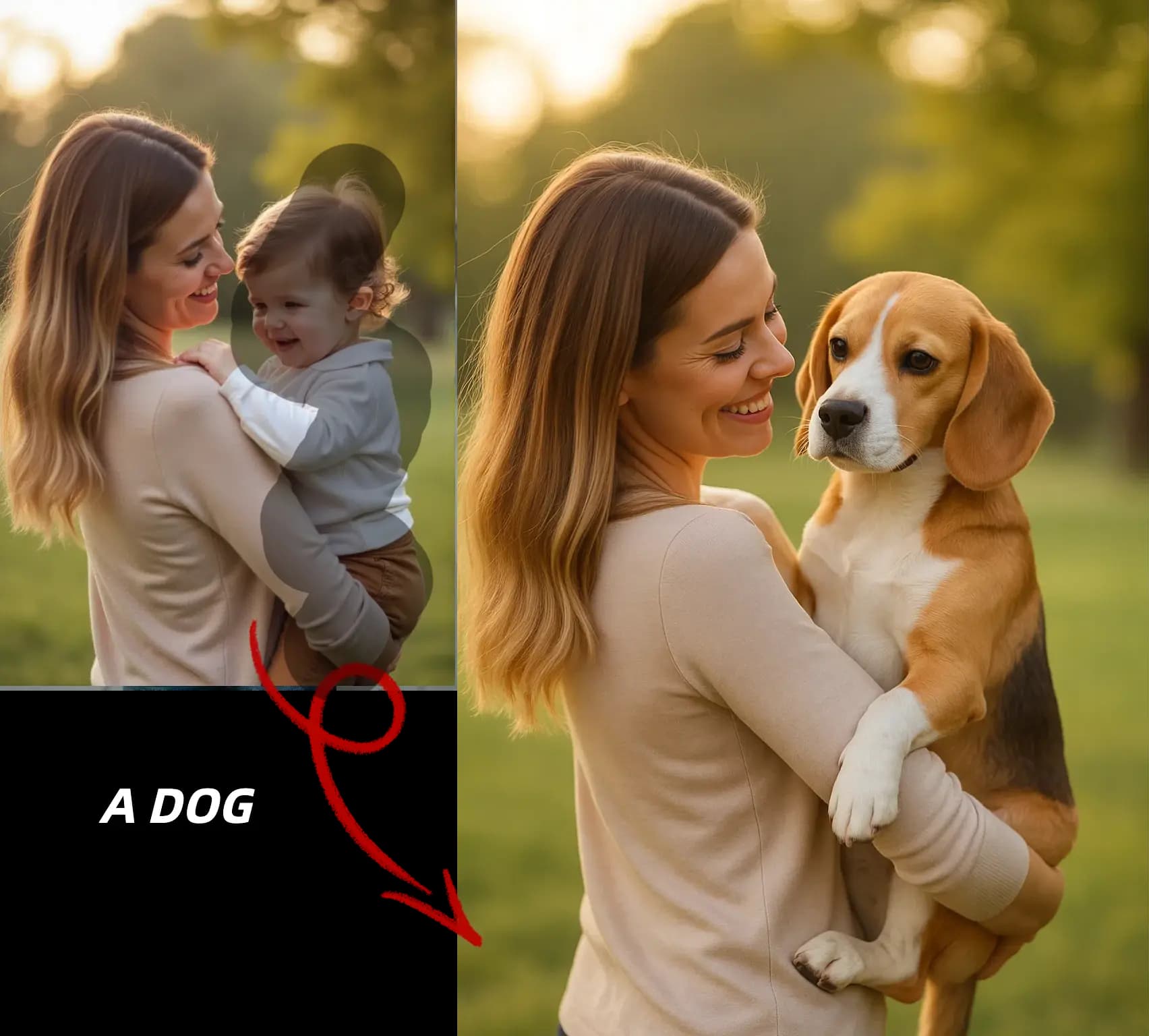
Answers about prompt-based photo editing with GenImage.org
Make practical image changes in three straightforward steps with GenImage.
Start with the image you want to improve, clean up, or adapt for a new use case. Clear source photos usually give the AI more to work with.
Tell GenImage what should change, such as removing an object, replacing the background, improving presentation, or adjusting the overall look.
Compare the edited version, refine the prompt if needed, and download the version that best fits your store, campaign, post, or presentation.
A practical editing workflow for cleanup, refinement, scene changes, and faster image revisions.
Describe what needs to change and let GenImage interpret the request instead of forcing you through complex tool menus and manual editing steps.
Use AI editing to remove unwanted distractions, replace scenes, simplify backgrounds, or create more focused images for publishing.
GenImage aims to keep edits aligned with the original image so the final result feels cleaner and more intentional instead of obviously patched.
Generate revised versions quickly when you need to respond to internal feedback, client notes, or channel-specific content requirements.
Download refined visuals that are ready for product pages, social content, presentations, blog imagery, and other commercial workflows.
Combine prompt-based editing with background replacement, enhancement, and upscaling when you need a more complete end-to-end image workflow.
GenImage.org helps creators and businesses make practical visual changes without slowing down on production.
We use GenImage to clean up hero images, test alternate scenes, and remove distracting elements before campaigns go live. It speeds up our revision process a lot.

Jessica Martinez
Social Media Designer
The biggest advantage is how quickly we can turn feedback into a new version. Instead of long editing loops, we can test several prompt-based changes right away.

Michael Chen
Agency Art Director
For product photos, fast editing matters. GenImage helps us clean backgrounds, simplify visuals, and create more polished assets for storefronts and ads.

Sophia Anderson
E-commerce Manager
I use the AI Image Editor to make thumbnails and social images cleaner without going deep into manual editing. It is fast, direct, and easy to repeat.

Alex Thompson
Content Creator
We often need small but important updates to approved visuals. GenImage helps us revise images for different channels without reopening a heavy design workflow.

Emma Williams
Brand Marketing Manager
Prompt-based editing is helpful when multiple stakeholders want quick changes. It reduces bottlenecks and keeps our image production moving.

Robert Johnson
Creative Operations Lead
Use GenImage.org to clean up and improve images without long manual editing sessions. Start free and turn simple prompts into polished visuals.