Image to upscale
Image to upscale with AI
Upscale Factor
Select an upscaling factor
Upload an image or enter a prompt, then generate to create your result.
Upscale images 2x-8x with AI without quality loss. Enlarge photos for printing & displays. Free AI image upscaler online.
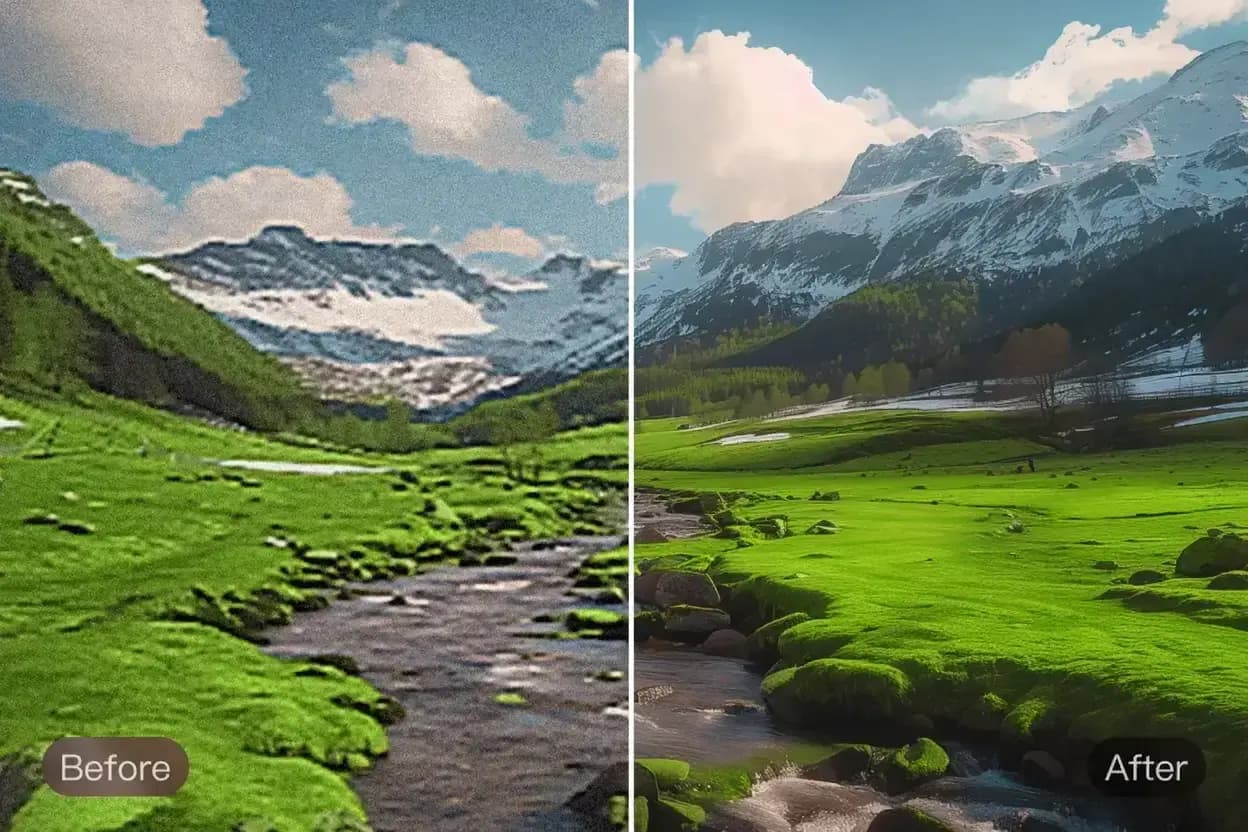
GenImage helps you take smaller or older assets and make them more useful in larger formats without relying on a basic stretch-and-blur resize.
Prepare visuals for product pages, decks, posters, print layouts, and larger display formats when the original file is not big enough.
AI upscaling helps images hold their shape better when enlarged so key edges, product outlines, and visual structure remain more readable.
Instead of discarding every low-resolution file, GenImage helps you get more value out of assets that still matter but need a larger output size.
A practical enlargement workflow for clearer visuals, faster production, and fewer redesign or reshoot requests.

Answers about enlarging images with GenImage.org
Make a small image more useful in three simple steps with GenImage.
Start with the file that needs a bigger output size for a presentation, storefront, print layout, or other visual format.
Select the enlargement option that fits your project and let GenImage create a larger version that holds up more cleanly.
Use the upscaled image in designs, displays, ads, print materials, and other workflows where the original file size was not enough.
A simple workflow for enlarging images while keeping them more useful for commercial design and publishing.
GenImage enlarges images with AI so edges, structure, and visual detail hold up better than a standard resize.
Choose the enlargement level that fits your project, from moderate improvements for web use to larger files for print and display workflows.
Upscaling helps important visual details remain clearer when an image needs to be shown larger than the original file was designed for.
Prepare bigger assets quickly when you need to respond to layout changes, campaign requests, or new display formats without a long wait.
GenImage upscaling fits product marketing, posters, slides, catalogs, creator graphics, and any workflow where the file needs to go bigger.
Use the upscaler alongside other GenImage tools when you want to improve quality first, then enlarge the result for a cleaner final asset.
GenImage.org helps teams enlarge approved visuals instead of replacing them every time size requirements change.
GenImage helps us salvage smaller files for larger layouts when we do not have time to request a new asset. It is a practical production fix.

Amanda Foster
Print Production Manager
We often need the same image across many formats. Upscaling lets us keep approved visuals in circulation instead of restarting the creative process.

Daniel Martinez
Advertising Creative Director
For selected archive images, GenImage gives me a better path to larger outputs than a basic resize. It helps older files stay useful.

Catherine Lee
Gallery Photographer
Larger image assets are helpful for covers, key art, and presentation frames. Upscaling makes quick production requests easier to handle.

Ryan Thompson
Video and Motion Designer
We use GenImage when we need cleaner large-format product visuals for banners and retail materials without chasing down a reshoot.

Michelle Rodriguez
E-commerce Photography Lead
It is useful whenever a client only has a small file but needs something larger for print or layout work. GenImage helps bridge that gap quickly.

Kevin Zhang
Graphic Designer
Use GenImage.org to enlarge smaller files without relying on a basic blur-heavy resize. Start free and create bigger, cleaner visuals for real production work.